2p Data Processing Overview
The starting point for all our 2p imaging based analyses are anatomical and functional images from which ROIs (regions of interest) are extracted. After applying QC and labeling we create dF/F time series to measure activity of these ROIs, which are aligned with experimental recordings of stimuli presentation, behavior such as licking, or other events to perform our downstream analyses.
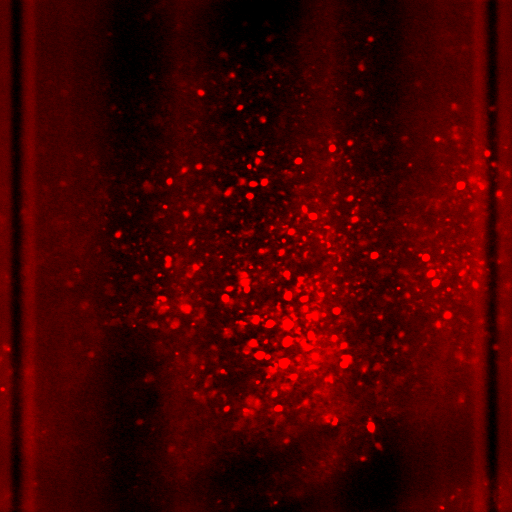
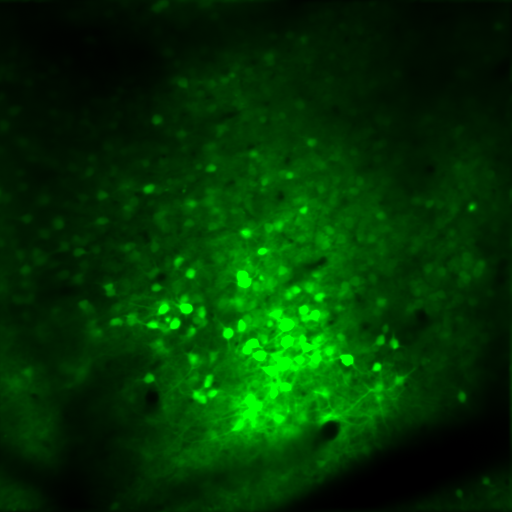
Table of Contents
The 2p data preparation workflow is organized around a practical quickstart, deeper processing-stage documentation, and reviewer/manual-ROI references.
- Processing Quickstart: copy-paste commands for launching the current staged pipeline on PACE or running the stages locally without Slurm.
- Processing Pipeline Documentation: reference
documentation for each pipeline job, including the stage order, function
calls, generated files, optional stages, and the full data-flow diagram. Its
subsections cover older preprocessing terminology for
prep/suite2pand older postprocessing terminology fordff/summaryplus explicitly enabled downstream stages. - Adding Manual ROIs: GUI workflow for opening processed Suite2p data, drawing manual ROIs, extracting traces, and saving updated outputs.
- Interactive ROI Labeling: guide to the interactive ROI reviewer, filters, sorting, labels, exports, and expected upload formats.
Storage Context
The two main locations where data is stored are PACE project storage, where files are uploaded from experimental or lab PCs after recording sessions, and the long-term CEDAR data storage.
For more information on the technical specifications of the 2p imaging rig and experimental recording setup, see the respective OneDrive documentation links when they are added here in the future.